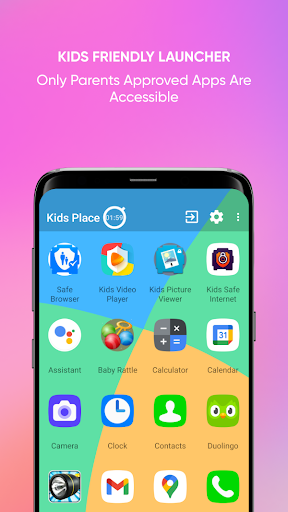
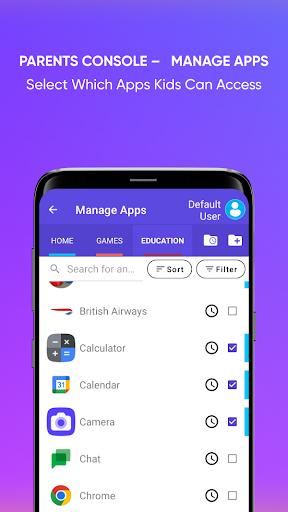
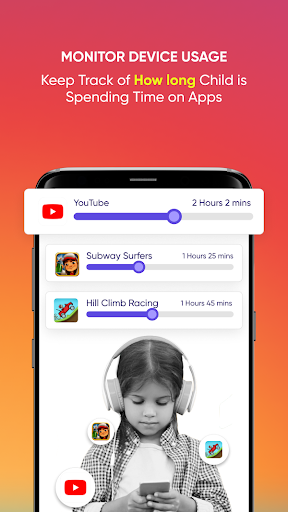
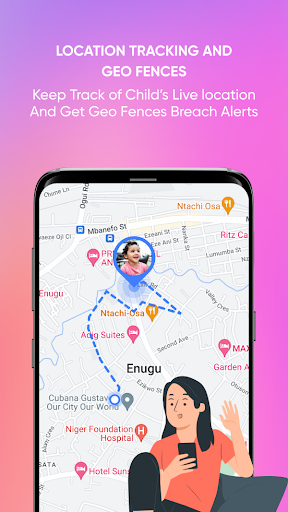
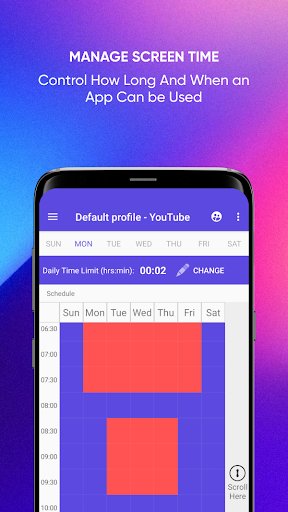
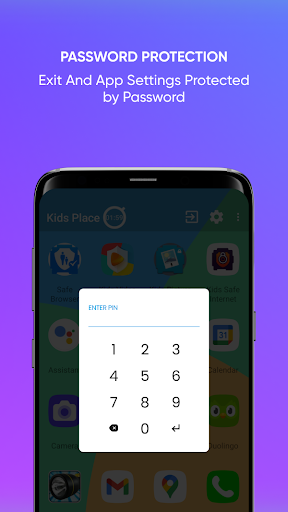
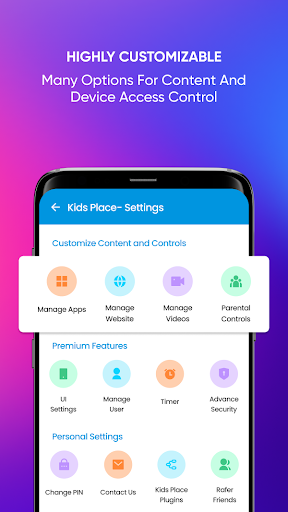
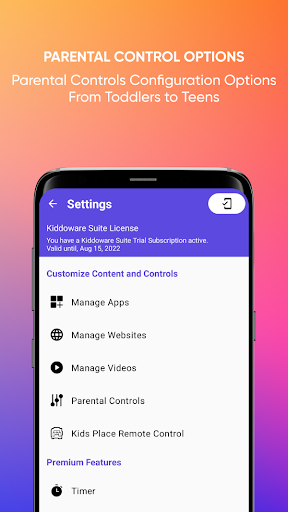
Kids Place Parental Control provides tools to create a restricted, user-friendly environment on Android devices and appears immediately after installation. Kids Place Parental Control lets device owners limit which apps are accessible, block purchases, protect settings with a PIN, and set daily time limits and schedules to manage use.
Key features
Select which apps are allowed and create a simplified, secure home screen for shared or single-user devices. Block access to app stores and in-app purchases to prevent unwanted installations. Set daily time limits and schedules to control device usage patterns. Protect settings and the exit mechanism with a PIN to prevent changes or uninstallation. Optional web filtering helps restrict access to inappropriate sites.
How it works
Kids Place Parental Control runs on the device and lets a device administrator configure permissions, time rules, and the set of accessible apps. Settings are protected by a PIN and can be adjusted as usage needs change. Kids Place Parental Control helps maintain consistent device boundaries while allowing controlled access to approved content.